How to Print Your Password Card from Your Smartphone
Android smartphones support direct printing via print service plugins. In many cases, a default service from the Mopria Alliance is already installed. Mopria-certified printers from major manufacturers can be used directly through Android's print function. Alternatively, many printer manufacturers provide their own print apps with additional features such as access to cloud services.
Search the Google Play Store for your printer manufacturer. Many providers offer Print Service or Print Service Plugin apps. Check the description to see which printers are supported.
How to Print Your Password Card
- Select the "Print" menu option in E-PasswordCard.
- Select a paper size (e.g. A4, Letter).
- Set the same paper size in the print dialog.
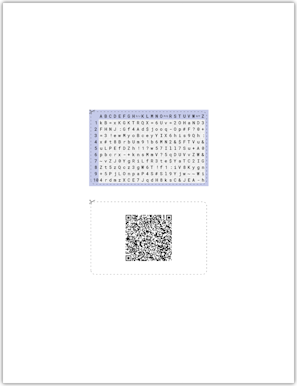
Tip: Improve print quality with 160g/qm paper and card sleeves
160g/qm paper gives you sturdier cards than 80g/qm paper. Once cut out, the card sides fit well into common plastic card sleeves.